
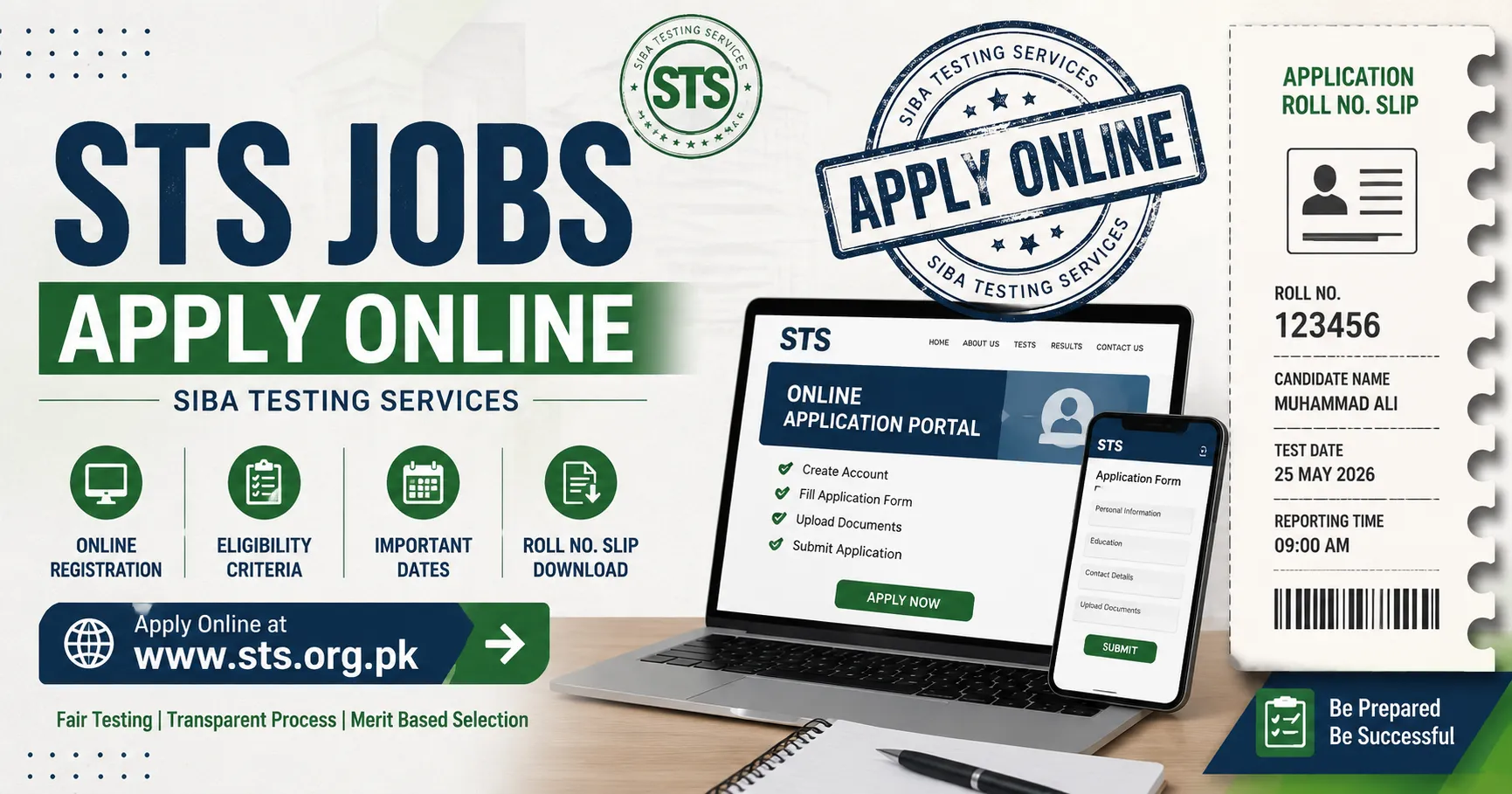
Most “STS jobs apply online” articles repeat the same five steps and stop there. This one goes further covering the exact bank you’ll pay through, what married female applicants need that nobody else mentions, the real contact number if your application gets stuck, and the query deadline that can silently disqualify you if you miss it. If you’ve got an STS advertisement open in another tab right now, keep this one open too.
Quick Answer
Apply at dz8apply.sts.net.pk register with your CNIC, select your post from “All Projects,” upload your documents, pay the fee (usually Rs. 500–1,500 generated as a system challan), and download your slip once payment clears. Full details below including the parts that trip people up.
What STS Actually Is (and Who’s Behind It)
STS Sukkur IBA Testing Service also called tale, and various public-sector organizations. It is not the same organization as Pakistan Testing Service (PTS); each handles a different set of hiring departments, so applying through the wrong one won’t get your application anywhere.
STS’s physical office is based at IBA University, Nisar Ahmed Siddiqui Road, Jaffria Cooperative Housing Society, Sukkur useful to know if you ever need to escalate an issue in person rather than by phone or email.
The Portal Confusion, Solved
Two STS-branded web addresses circulate online: apply.sts.net.pk and apply.sts.org.pk. The safest move isn’t picking one at random it’s matching the URL printed on your actual job advertisement (newspaper clipping or official department PDF), since that’s the link tied to your specific recruitment drive. Third-party job-alert sites sometimes link outdated portal pages, so treat the original ad as your source of truth, not a blog repost of it.
Eligibility What Most Guides Gloss Over
- – Valid CNIC matching your NADRA record exactly
- – Qualification matching the post: Matric/Intermediate bfor support roles, **. Bachelor’s/Master’s/M.Phil/PhD for higher BPS grades
- Sindh domicile for the large majority of posts (open-merit/federal-quota seats are the exception check your ad)
- Age is typically 18–35, though some judicial and technical posts set different brackets always confirm on the specific advertisement
- 5% quota reserved for differently-abled candidates, who must submit a disability certificate from the Social Welfare Department, Government of Sindh (or a CNIC carrying the wheelchair symbol issued by NADRA)
- Married female candidates must apply using their CNIC updated with their husband’s name, their own and their husband’s domicile/PRC (Form-D), and a registered Nikah Nama or marriage certificate uploaded to the portal before the closing date a requirement almost no other guide mentions
- Government employees already in service can apply through the proper departmental channel
Step-by-Step Application Process
1. Open the correct portal
Go to apply.sts.net.pk using the exact link from your job advertisement.
apply.sts.net.pk
Click Register Now and enter your name, father’s name, CNIC, mobile number, email, education, and domicile. Use your own active mobile number STS explicitly advises against numbers ported or converted from other identities, since call letters and SMS alerts go here.
3. Log in and choose your post
Head to All Projects find the department and vacancy matching your advertisement, and select it carefully similarly named posts across departments carry different BPS grades and fee amounts.
4. Upload your documents
Typical requirements: CNIC (front and back), domicile certificate, PRC/Form-D, one recent photograph, and academic documents showing percentage/marks for each qualification. Degrees must be complete appearance certificates or provisional results generally aren’t accepted.
5. Generate and pay your challan
After completing the form, the portal generates a system challan (commonly Rs. 1,500 for many posts, though this varies by BPS grade). Payment can typically be made at any lABL Bank Ltdbranch, through the MyABL App or via a apply.sts.net.pk on the internet banking portal of any 1Bill-linked bank. This fee is non-refundable, so confirm your post selection before paying.
6. Save your confirmation and download your slip
Once payment is verified, your application is locked in. Return to the portal closer to the test date to download your roll number slip it carries your test date, time, and center, and is also sent as an online call letter and SMS alert.
7. Watch for objection notices
If your documents are flagged during scrutiny, STS notifies you by SMS and typically gives a short window (as little as 3 daysin some drives) to resolve it missing this silently removes you from the eligible list, so check your portal account regularly rather than waiting for a decision.
8. Check your result
Results, provisional lists, and objection outcomes are posted on sts.net.pk and reflected in your portal account.
The Deadline Rule Almost Nobody Tells You
STS does not entertain queries close to the test commonly within one to two weeks before the written test date, depending on the drive. If something looks wrong with your application (wrong category, missing document, unclear status), resolve it early. Waiting until test week to raise a concern is, per STS’s own advertisements, too late.
Real Contact Details for When You’re Actually Stuck
Phone:071-5644200 (STS query line, referenced on official Sindh department advertisements)
Email sts@iba-suk.edu.pk
Office IBA University, Nisar Ahmed Siddiqui Road, Sukkur, Sindh
Use these instead of relying on comment sections of job-alert websites, which frequently go unanswered.
Common Problems and How to Fix Them
CNIC won’t verify Re-enter it exactly as printed, matching the field’s expected dash format, and confirm your name matches NADRA exactly (this trips up recently married women whose CNIC name hasn’t been updated yet).
Unsure which portal link is real Match it against your original advertisement PDF or newspaper clipping, not a search result.
Paid the challan but it’s not reflecting Bank confirmations can take 24–48 hours; hold onto your ABL/1Bill transaction reference before contacting STS.
Applying for more than one post Submit a completely separate application and challan for each post; one payment does not cover multiple vacancies.
Objection notice received Respond within the window given in your SMS/portal notice; after it closes, no further requests are entertained.
Final Pre-Submit Checklist
- Portal URL matches your original job advertisement
- CNIC name matches NADRA exactly (especially for married applicants)
- Domicile/PRC ready for yourself (and spouse, if applicable)
- All degrees complete no appearance certificates
- Challan paid via ABL Bank, MyABL App, or 1Bill, with reference number saved
- Portal checked regularly for objection notices in the weeks after submission
Frequently Asked Questions
What documents does a married female candidate need?
An updated CNIC reflecting her husband’s name, her own domicile/PRC, her husband’s domicile/PRC, and a registered Nikah Nama or marriage certificate, all uploaded before the closing date.
Can I apply for more than one STS post at the same time?
Yes, but each post needs its own separate application and its own separate challan — one payment does not cover multiple vacancies.
Is apply.sts.net.pk the only STS portal?
It’s the primary and most widely used one, though apply.sts.org.pk is also active. Always confirm against your specific job advertisement rather than assuming.
What is the STS application fee?
It varies by BPS grade but generally falls between Rs. 500 and Rs. 1,500, paid as a non-refundable system challan through ABL Bank, the MyABL App, or a 1Bill reference number.
How do I apply for STS jobs online?
Visit apply.sts.net.pk, register with your CNIC and personal details, select your post under “All Projects,” upload required documents, pay the system-generated challan, and download your application confirmation.