
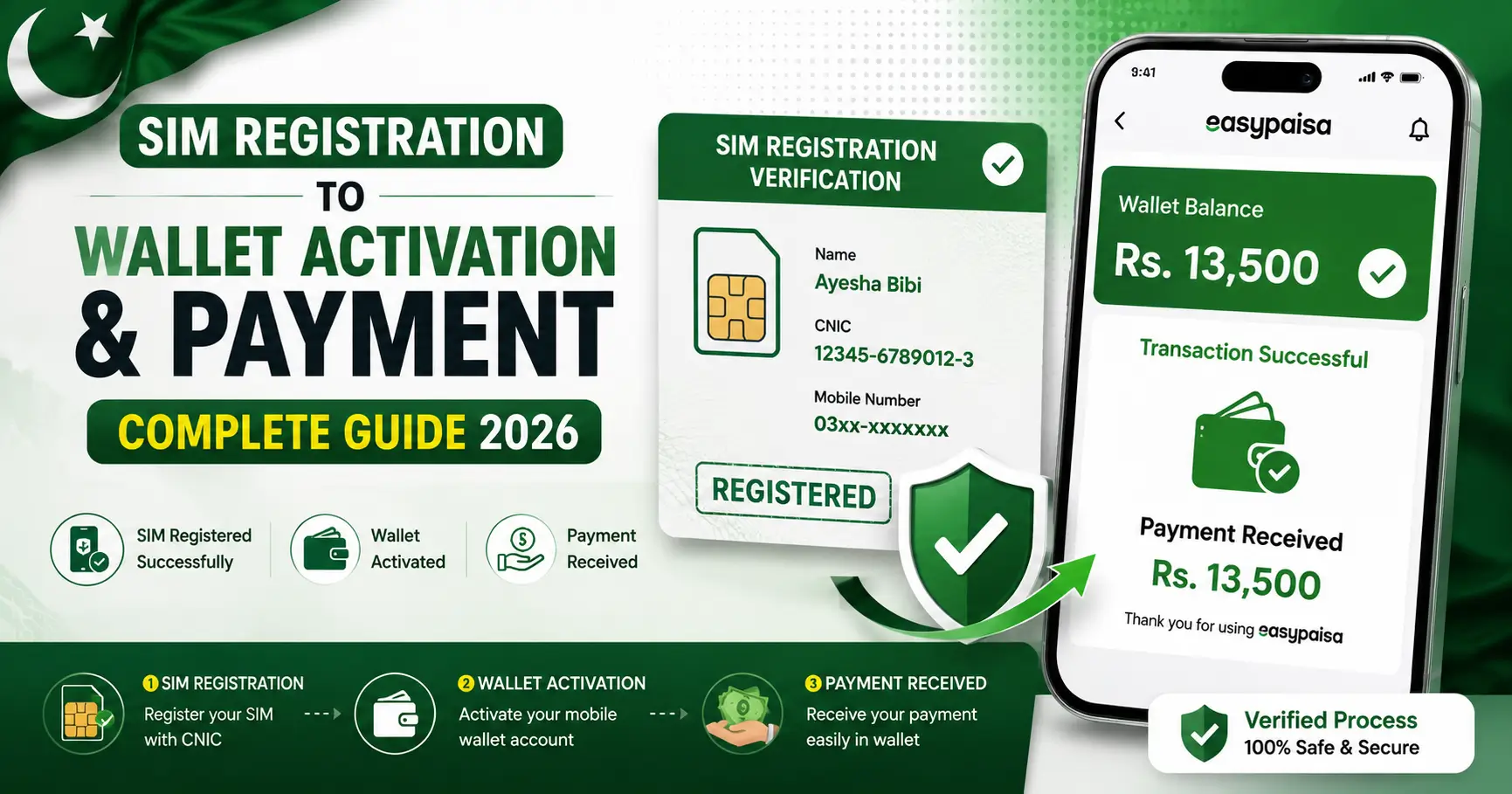
If your BISP payment has stopped coming, or you got an “invalid SIM” message after texting your CNIC to 8171, the most common cause is a SIM problem not your eligibility. This guide explains exactly how to register or update a new SIM for BISP payments, why the process exists, and how to avoid losing money to fake “agents.”
ALSO CHECK OUT BISP Payment Blocked
Why Your SIM Matters for Your BISP Payment
BISP no longer just hands out cash at crowded camps. Every quarterly payment (currently Rs. 13,500, or Rs. 14,500 in special/flood-affected areas) is now tied to a mobile wallet that is linked to two things:
1. Your CNIC (verified through NADRA)
- 2. A SIM card registered in your own name
If your SIM is lost, broken, switched off, or most commonly registered in a husband’s, brother’s, or neighbor’s name instead of your own, the wallet cannot activate. That’s why BISP introduced mandatory SIM verification: to stop payments from being collected by the wrong person.
Who Needs to Register or Update a SIM
You need to complete this process if any of the following apply to you:
– You are a new BISP or Kafalat beneficiary who has never registered a mobile number with BISP.
– You lost your phone, changed your number, or your old SIM was blocked.
– You sent your CNIC to 8171 and received an “invalid SIM” or “wallet not activated” reply.
– Your SIM is currently registered under someone else’s CNIC (a very common issue for women beneficiaries who share a household phone).
– You missed the free SIM distribution deadline and still need a working number linked to your account.
Step-by-Step: How to Register a New SIM for BISP Payment
Step 1 — Gather your documents.
You need your original CNIN (not a photocopy) and, if you already have one, your own personal mobile phone.
Step 2 — Visit an authorized location only.
Go to your nearest BISP Tehsil Office or an authorized JazzCash, Easypaisa, or UBL agent/franchise that BISP has approved for SIM and wallet registration. Do not go to a random shopkeeper or someone claiming to be a “BISP agent” outside these channels.
Step 3 — Get a SIM issued in your own name.
If you don’t already have a personal SIM, request one at the counter. It must be registered on your own CNIC a SIM registered on a family member’s ID will not work for wallet activation, even if you are the one using the phone.
Step 4 Complete biometric verification.
You will place your finger on a biometric scanner so NADRA can confirm your identity matches the CNIC and SIM.
Step 5 Link the number to your BISP record.
Once biometric verification passes, the staff will register or update your mobile number in the BISP database. This is the step that fixes the “invalid SIM” error.
Step 6 — Confirm activation by SMS.
From your newly registered number send your 13-digit CNIC (no dashes) to 8171. You should receive a confirmation SMS about your wallet and payment status within a short time. Keep this SMS it’s your proof of successful registration.Step 6 — Confirm activation by SMS.
From your newly registered number send your 13-digit CNIC (no dashes) to 8171. You should receive a confirmation SMS about your wallet and payment status within a short time. Keep this SMS it’s your proof of successful registration.
What If You Already Sent Your CNIC to 8171 and Nothing Happened?
This usually means one of three things:
– Your SIM is not registered in your own name (most common cause).
– Your CNIC has expired and needs renewal at NADRA first.
– Your district’s phase-wise disbursement hasn’t started yet a payment can show as “not released” even when your registration is fine.
If you’re unsure which applies to you, check your status again on 8171.bisp.gov.pk every 2–3 days, or call the free helpline below, before assuming you need to redo registration.
Is SIM Registration for BISP Free?
Yes completely free.
BISP has repeatedly warned beneficiaries that no one is authorized to charge a fee for SIM issuance, wallet activation, or registration updates. If anyone at a shop, camp, or over the phone asks you for money, a “processing fee,” or your OTP/PIN, it is fraud.
Report it immediately:
– BISP Helpline: 0800-26477 (free, all networks)
– Only trust SMS messages that come from 8171
– Never share your OTP or wallet PIN with anyone, including someone claiming to be a BISP official
Quick Answers (Common Questions)
Can I use my husband’s or brother’s SIM for BISP payments?
No. The SIM must be registered on your own CNIC. A wallet linked to someone else’s SIM will not activate, and if it does, the payment could legally belong to that person, not you.
What if I don’t have any personal mobile phone at all?
Visit your nearest BISP Tehsil Office free SIM distribution has been carried out in phases for eligible beneficiaries, particularly women-headed households. Ask staff directly whether free SIM issuance is still available in your area, since distribution windows have had specific cutoff dates.
How long does SIM verification take to reflect in the system?
It varies by district, but most beneficiaries receive a confirmation SMS from 8171 within minutes to a few hours of biometric verification. If nothing arrives after 48 hours, recheck your status on the portal or call the helpline.
Will updating my SIM delay my current quarterly payment?
It shouldn’t cause a new delay, but if your payment was already stuck due to the SIM issue, it will only be released after the update is successfully verified so the sooner you update it, the sooner a held payment can process.
Before You Go: Three Things to Remember
The SIM must be in your own name this is the single most common reason for failed registration.
The entire process SIM issuance, biometric verification, wallet activation is free.
Only use the official 8171.bisp.gov.pk portal, the 0800-26477 helpline, or an
authorized BISP Tehsil Office/franchise. Anything outside these channels is a red flag.