
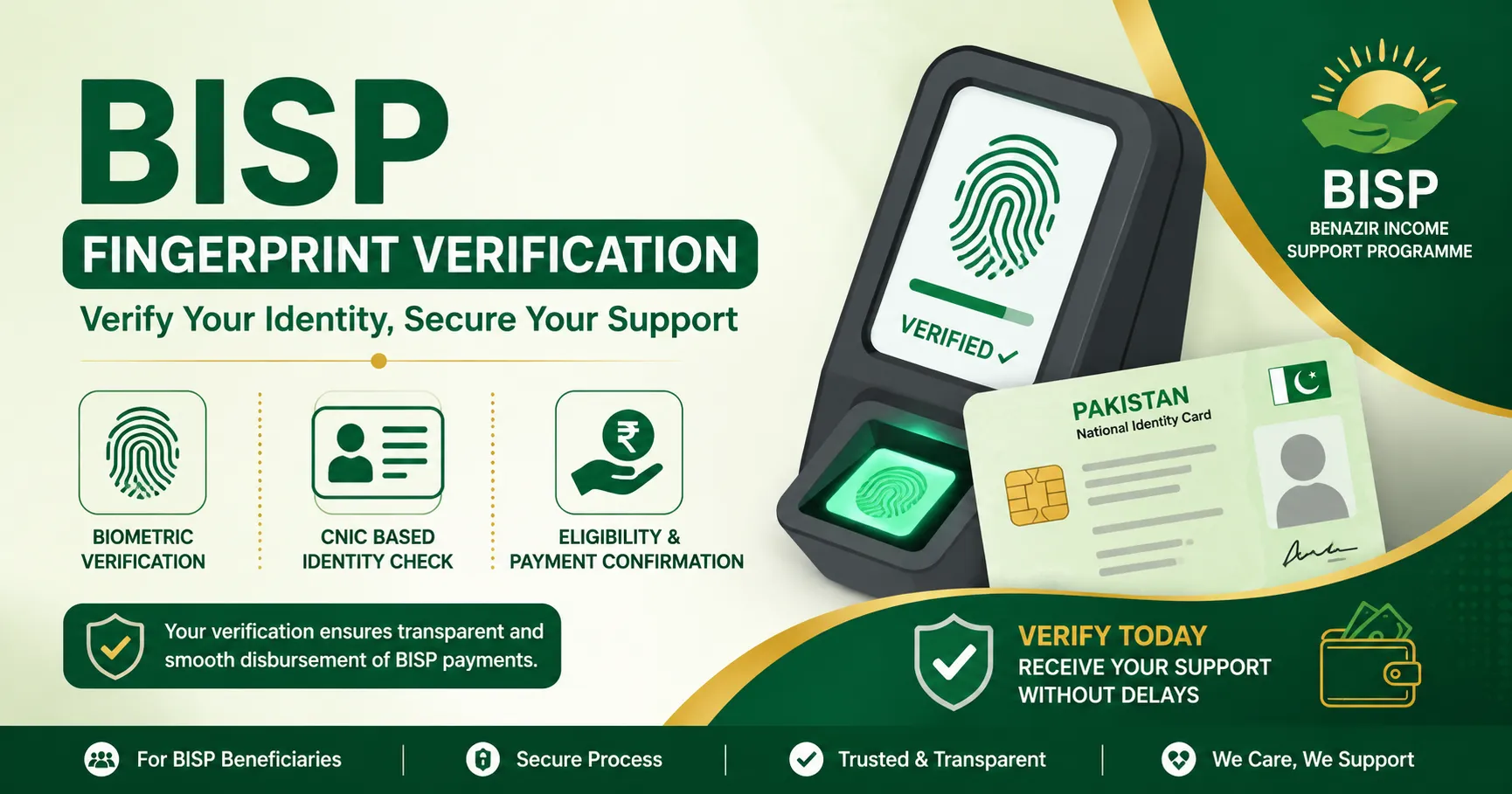
If you went to collect your BISP payment and the machine rejected your thumbprint, you’re not alone — and you haven’t lost your money. BISP fingerprint verification fails most often because of a technical mismatch between your finger and your NADRA record, not because you’ve been removed from the program. Below is exactly why it happens and the fastest way to fix it.
The Fast Answer
In most cases, biometric verification fails for one of these reasons:
Worn or faded fingerprints common among elderly beneficiaries and people who do manual labor (farming, laundry, construction)
Outdated NADRA record your fingerprint on file doesn’t match your current one
Expired CNIC an expired ID automatically disables the biometric link with NADRA
Dirty, dry, or oily fingers the scanner simply can’t read the print clearly
Faulty scanner at that specific location the machine itself, not your identity, is the problem
Outdated NSER survey date your household record hasn’t been refreshed recently
The fix depends on the cause, but the process is always the same three-step path: check your status → try again correctly → escalate to NADRA/BISP if it still fails.
Step 1: Check Your Payment Status Before Doing Anything Else
Before visiting any office, confirm whether your payment has actually been released. This tells you whether you’re dealing with a biometric issue or something else (like a district payment delay).
Online: Go to the official 8171 web portal, enter your 13-digit CNIC number without dashes, complete the captcha, and click “Check Status.”
By SMS: Type your CNIC number and send it to 8171. You’ll get a reply telling you your current status.
If the status shows “BISP Fingerprint Verification Failed? Here’s Why — and Exactly How to Fix It (2026)
If you went to collect your BISP payment and the machine rejected your thumbprint, you’re not alone — and you haven’t lost your money. BISP fingerprint verification fails most often because of a technical mismatch between your finger and your NADRA record, not because you’ve been removed from the program. Below is exactly why it happens and the fastest way to fix it.
The Fast Answer
In most cases, biometric verification fails for one of these reasons:
- Worn or faded fingerprints — common among elderly beneficiaries and people who do manual labor (farming, laundry, construction)
- Outdated NADRA record — your fingerprint on file doesn’t match your current one
- Expired CNIC — an expired ID automatically disables the biometric link with NADRA
- Dirty, dry, or oily fingers — the scanner simply can’t read the print clearly
- Faulty scanner at that specific location — the machine itself, not your identity, is the problem
- Outdated NSER survey data — your household record hasn’t been refreshed recently
The fix depends on the cause, but the process is always the same three-step path: check your status → try again correctly → escalate to NADRA/BISP if it still fails.
Step 1: Check Your Payment Status Before Doing Anything Else
Before visiting any office, confirm whether your payment has actually been released. This tells you whether you’re dealing with a biometric issue or something else (like a district payment delay).
- Online: Go to the official 8171 web portal, enter your 13-digit CNIC number without dashes, complete the captcha, and click “Check Status.”
- By SMS: Type your CNIC number and send it to 8171. You’ll get a reply telling you your current status.
If the status shows “Biometric Verification Failed,” move to Step 2.
Step 2: Try Verification Again — the Right Way
A large number of failed attempts are fixed on the spot with no office visit at all. Before you give up on a retailer or agent:
- Wash and dry your hands, then warm your fingertips before trying again — dry or cold skin is a common reason scanners fail to read a print
- Try a different finger, not just your thumb
- If the machine keeps failing, ask to try at a different BISP-registered retailer or payment point (HBL Konnect agent, Bank Alfalah partner, or BISP campsite) — the scanner itself may be faulty, and many beneficiaries succeed simply by switching locations
If it still fails after these attempts, the problem is likely on the records side, not the machine.
Step 3: Update Your Biometric Data at NADRA
If your fingerprint keeps mismatching, your NADRA record probably needs refreshing.
- Visit your nearest NADRA registration center.
- Request a biometric data update.
- Bring your original CNIC — photocopies are not accepted.
- If your CNIC has expired, renew it first; an expired CNIC automatically blocks the biometric link with BISP.
- After the update, wait 24–48 hours for the new data to sync with the BISP system before trying to withdraw again.
Step 4: Visit the BISP Tehsil Office If the Problem Persists
If verification still fails after a NADRA update, go in person to your nearest BISP Tehsil Office. Bring:
- Original CNIC
- Your registered mobile number
- The confirmation SMS from 8171 showing your payment status
- Children’s B-Forms, if applicable
At the office, staff will re-scan your fingerprints on updated equipment, register a formal complaint if needed, and can apply alternative verification methods on the spot.
If Your Fingerprints Genuinely Won’t Read: The NON-BVS Option
Some beneficiaries — especially elderly women and manual laborers with heavily worn prints — will never get a clean fingerprint match no matter how many times they try. For exactly this situation, BISP offers the Non-Biometric Verification System (NON-BVS):
- Go to your BISP Tehsil Office (not a bank or retailer).
- Ask for the NON-BVS form and explain that your fingerprints aren’t matching.
- You can nominate a family member (son, husband, or daughter) whose fingerprints do read correctly to collect the payment on your behalf.
- BISP verifies your identity through your original CNIC and a short manual interview.
- Once approved — typically within 7–10 days, though this can vary by district — you can withdraw your payment using your nominee’s biometrics going forward.
In selected districts, facial recognition verification is also available as an alternative to fingerprint scanning.
Common Causes, at a Glance
| Cause | What It Means | Fix |
| Worn/faded fingerprints | Common in elderly or laboring beneficiaries | NON-BVS or facial verification |
| Fingerprint mismatch | NADRA record doesn’t match current print | Update biometrics at NADRA |
| Expired CNIC | Biometric link auto-disabled | Renew CNIC, then update BISP record |
| Faulty scanner | Device issue, not identity issue | Try a different retailer/location |
| Outdated NSER survey | Household data hasn’t been refreshed | Complete the Dynamic Survey |
A Biometric Rejection Does Not Mean You’re Ineligible
This is worth repeating: most biometric failures are technical, not eligibility-related. A rejected fingerprint does not mean BISP has removed you from the program or that your payment is gone. It means the system needs either updated data or an alternative verification method — both of which are official, free processes.
Important Safety Reminder
BISP verification and payment services are completely free. If anyone — an agent, retailer staff, or a stranger claiming to “help” — asks for money to clear your fingerprint issue or speed up your NADRA update, that is a scam. Report it immediately to the BISP helpline or your nearest Tehsil office. Only trust status messages that come from the official 8171 short code, and never share your CNIC details with anyone outside an official BISP or NADRA counter.
Frequently Asked Questions
Why does my BISP fingerprint verification keep failing?
Usually because your fingerprint doesn’t match the record NADRA has on file, your fingerprints are worn or faded, your CNIC has expired, or the scanner at that location isn’t reading prints correctly.
How long does it take after a NADRA biometric update?
Updated biometric data typically syncs with the BISP system within 24–48 hours.
What if my fingerprints never read correctly?
Apply for NON-BVS (Non-Biometric Verification) at your BISP Tehsil Office. You can nominate a family member to collect payments on your behalf, or use facial verification where available.
Does BISP charge a fee to fix biometric issues?
No. All BISP verification and payment services are free. Never pay anyone claiming to resolve your fingerprint issue for a fee.
Can someone else collect my payment for me?
Only through the official NON-BVS process, after BISP approves a nominated family member through a manual interview and CNIC verification.